The withdrawal button amendment is coming. With Retino Returns, you're already covered.
Starting June 19, 2026, every EU online store must offer a withdrawal button. For Retino clients, this is nothing new – you already meet the legislation without lifting a finger.
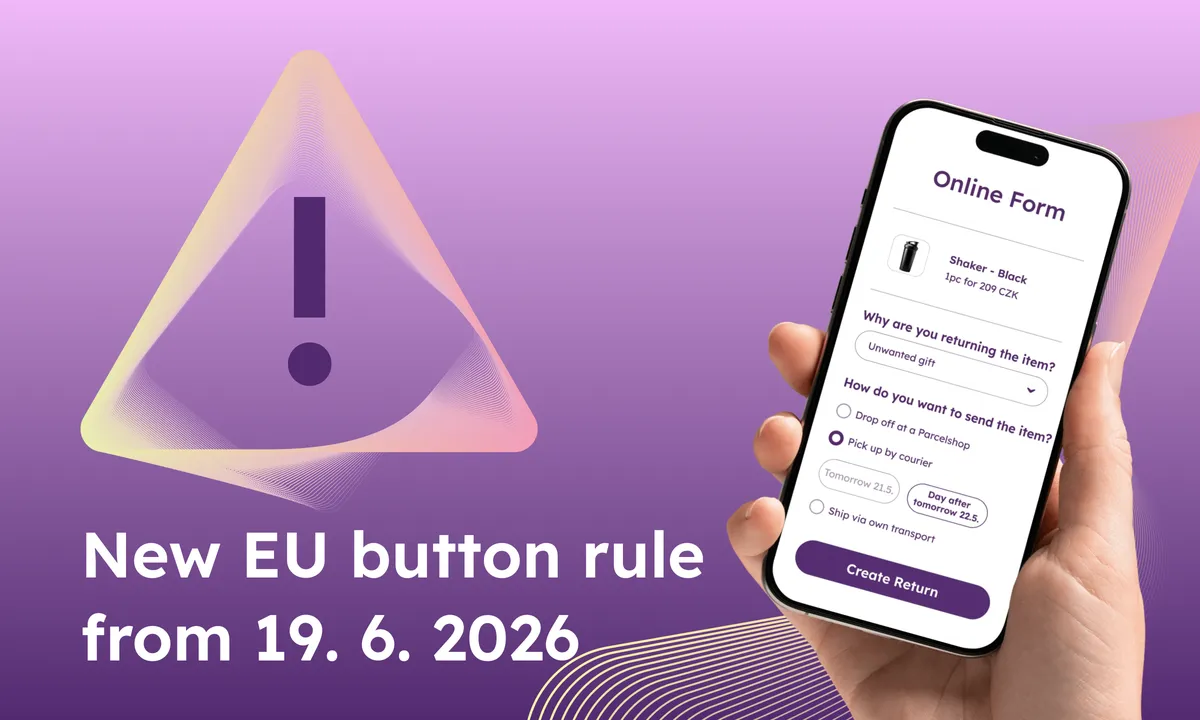
The deadline is approaching faster than it looks. On June 19, 2026, a new EU requirement comes into effect: every online store must offer customers the option to withdraw from a purchase just as easily as they made it – through a clearly labelled button in the online interface.
In practice, this means changes to the customer account, order confirmation emails, forms, automated notifications, and Terms and Conditions. For online stores that currently handle returns through their own forms, emails, or downloadable PDFs, this is a significant project – technical, legal, and operational.
But if you use Retino Returns, there's essentially nothing to deal with. The features the legislation requires are already part of the system you use every day. Let's walk through why.
What the legislation requires – and how it works in Retino
1. A button accessible in the online interface
Customers must be able to reach the "Withdraw from purchase" button without hunting for it. Not buried in FAQs, not in a PDF, not through customer support. It needs to be on the store's website – for example, under a "Returns and complaints" tab – or in email communication.
In Retino: The button is part of the customer portal that embeds directly into your online store. Customers find it next to the order detail in their account, or via a link in the confirmation email if they don't have an account with you.
2. Clear labelling
The button must be labelled with text that can't be interpreted as anything other than withdrawal from purchase.
In Retino: The button in the portal carries the legally compliant label. On the paid plan, you can also adjust the wording to match your brand voice – some clients, for instance, offer an extended return window for registered customers and reflect that in the button copy.
3. Active for the entire withdrawal period
The button must be continuously available throughout the statutory 14-day period – or throughout the extended period if you offer one as a perk (30, 60, or 100 days).
In Retino: The portal records the order date and keeps the button active for the standard period accordingly. If you use the paid plan together with Retino Tracking, the system pulls delivery information from the carrier and counts the period automatically from the delivery date. No manual tracking, no record-keeping errors.
4. Online withdrawal form
After clicking, the customer must fill in identifying details – name, order number, contact email.
In Retino: The customer enters only their email and order number. The system pulls the rest from the order data itself. The customer then just selects which items they want to return and how they want to arrange return shipping. Fewer clicks for them, fewer errors for you.
5. Second confirmation against accidental withdrawal
When submitting the form, the customer must be prompted for a second confirmation.
In Retino: The portal flow is already two-step today. No accidental withdrawals.
6. Immediate email confirmation with date and content
After the withdrawal is submitted, the online store must send a confirmation email without delay – confirming receipt, the content of the withdrawal, and the date and time of submission.
In Retino: On the paid plan, the customer automatically receives a confirmation email after submitting the form, including the date and time of submission and the content of the withdrawal. You can also customize the template with your own copy.
What this means for you as a Retino client
You don't need to:
- develop or commission a new button and its logic,
- manually track withdrawal deadlines,
- test whether your form meets the legal requirements.
Simply make sure that the customer portal is placed prominently on your website and that your terms and conditions mention that the withdrawal button exists and explain where customers can find it. A sample clause is available in a separate article we prepared with the Legitas law firm – it also contains a detailed explanation of all six requirements and their legal implications.
After the period ends
The legislation says the button doesn't have to remain active once the withdrawal period ends. But we recommend keeping it on – as part of post-purchase care, it's good to show customers that you stay on top of their order even after the deadline, and to offer them the option to file a complaint if needed. The system notifies you when the period expires, and you decide whether to accept the return anyway. Many of our clients earn goodwill points this way that competitors simply don't offer.
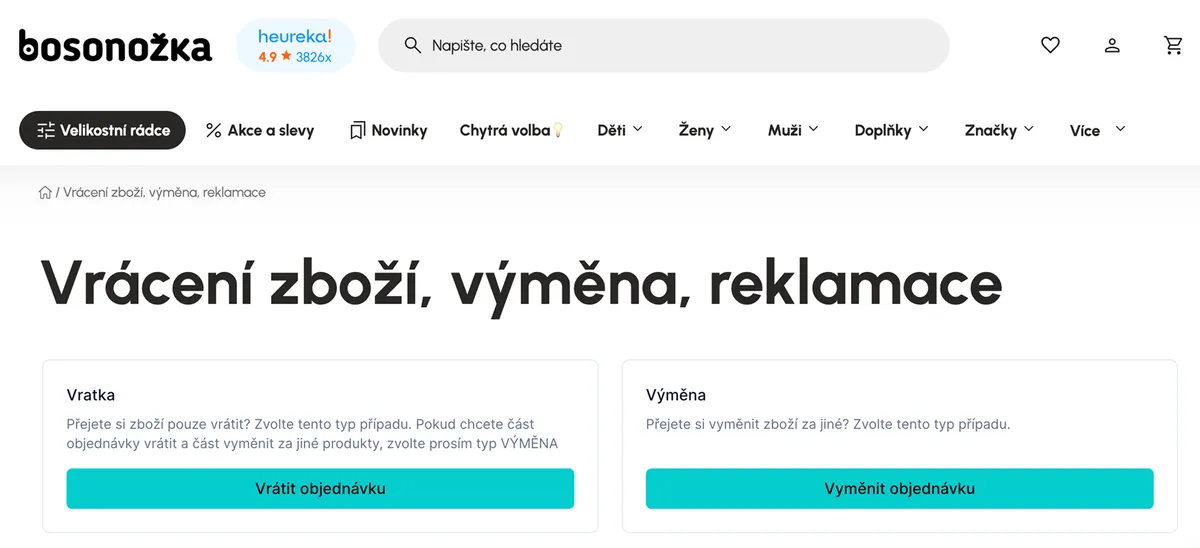
You can see how satisfied our client Bosonožka is with the returns system in the case study.
Not using Retino yet?
If you're still looking for a way to meet the new requirement, the easiest route is Retino Returns FREE – a version built exactly for situations where you need to handle the legislation without any investment.
Customer portal, return shipping, and case overview. €0 a month, €0 per case, unlimited returns. No credit card, no commitments. Integration with your online store takes just a few minutes. Another advantage: whenever you decide to fully automate the entire process, you can simply upgrade to a paid plan.