New Legal Requirement in E-Commerce: The Withdrawal Button
Returns without obstacles. From June 2026, every online store will be required to make withdrawing from a contract just as easy as making a purchase — via a clear button.
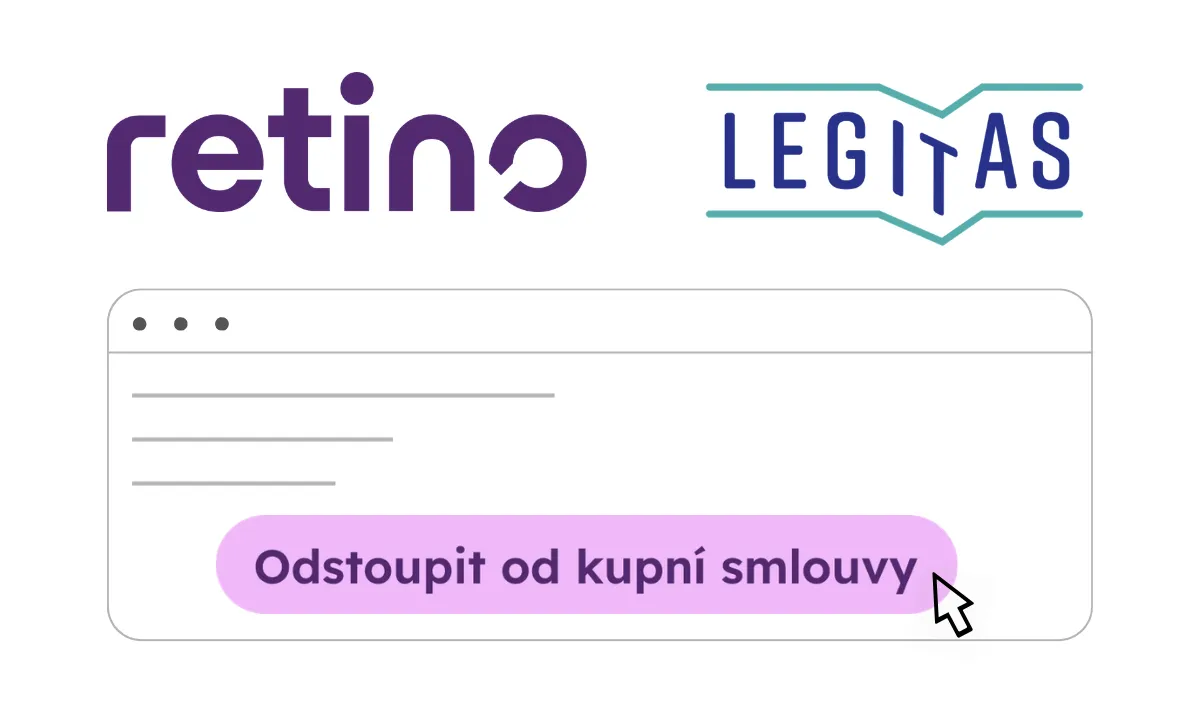
Returns are complicated in many online stores. Printed forms buried in T&Cs or FAQs — that's about to change. The EU is introducing a requirement for online stores to offer consumers the option to withdraw from a contract just as easily as they entered into one, using a dedicated withdrawal button or similar control element. Online stores will need to implement the button directly in their online interface. The new rules are currently being prepared, with an expected effective date of 19 June 2026.
Who does the new requirement apply to?
The new obligation will apply to all contracts concluded remotely via an online interface, including:
- classic online stores (selling goods online),
- online sales of digital content (streaming services, software, e-books),
- online provision of services (subscriptions, courses, cloud services),
- finanční služby na dálku (pojištění, úvěry, spořicí produkty, investice).
How to correctly implement the withdrawal button
We'll walk you through how to properly set up a withdrawal button in your online store to meet the legal requirements — without adding unnecessary burden to your operations.
1. Button placement
The button must be accessible in the online interface where the contract was concluded. Consumers should not be required to take any complicated steps to find it (e.g. searching through FAQs, contacting customer support, or downloading a separate app — unless the contract was concluded through that app).
Recommendations from Legitas and Retino:
2. Button labelling
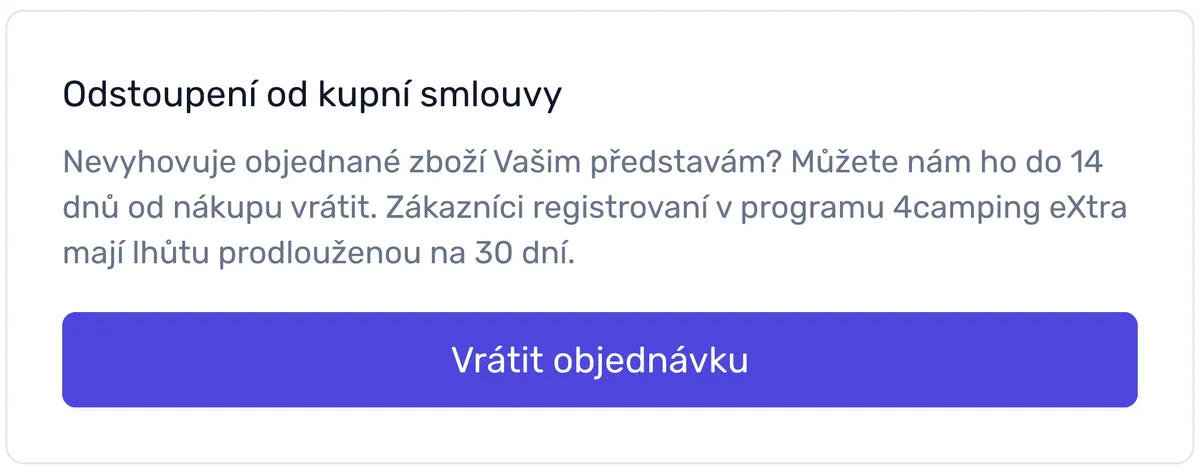
The button must be clearly labelled "Withdraw from contract" or another unambiguous equivalent ("Withdraw here", "Cancel order", etc.)
3. Button availability period
The button must be available continuously throughout the entire withdrawal period. The statutory period is 14 days from receipt of the goods (or from receipt of the last item in a multi-item shipment), or from the conclusion of the contract (for services, digital content not on a physical medium). If the consumer was not properly informed of their right to withdraw, the period extends to 1 year and 14 days.
Many online stores also offer an extended withdrawal period as a customer benefit (commonly 30 days or more). You will therefore need to ensure the withdrawal button remains active for the entire guaranteed withdrawal period.
Recommendation from Legitas:
Recommendation from Retino:
4. Withdrawal form
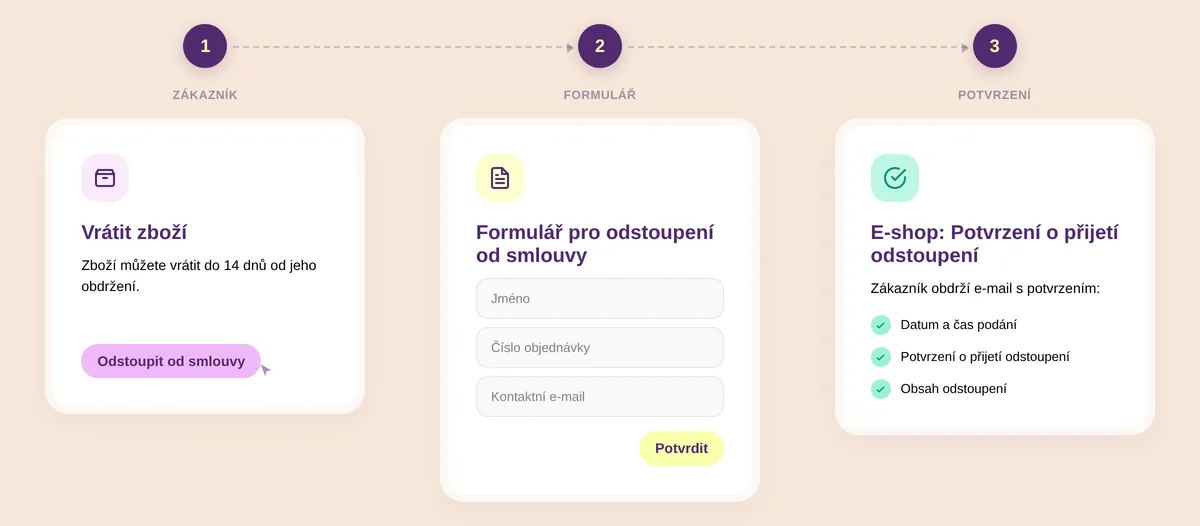
After clicking the withdrawal button, the online store should direct the customer to an online withdrawal form. If details are not pre-filled, the customer will need to enter the following identifying information:
- name,
- contract / order number,
- contact email.
Recommendations from Legitas and Retino:
5. Confirmation button
After submitting the form, the consumer must be prompted to confirm the withdrawal a second time via a confirmation button, clearly labelled "Confirm withdrawal from contract" or an equivalent unambiguous phrase. The purpose is to prevent accidental withdrawals.
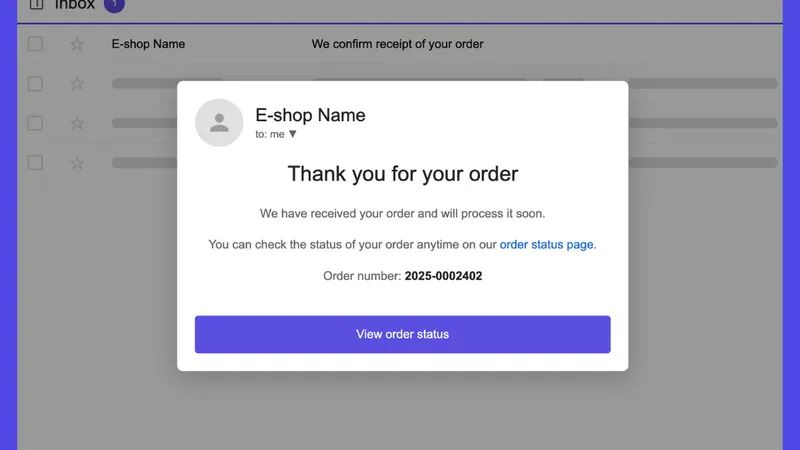
6. Immediate email confirmation to the consumer
Once the consumer submits their withdrawal, you will be required to send a confirmation email without undue delay. It must contain:
- confirmation of receipt of the withdrawal,
- the content of the withdrawal,
- the date and time it was submitted.
Recommendation from Legitas:
Recommendation from Retino:
What happens after the withdrawal period expires?
Once the withdrawal period has elapsed, the button no longer needs to be active. In its place, a message such as the following can be displayed:
The withdrawal period expired on 1 July 2026. For a product complaint or warranty claim, click here.
Recommendation from Retino:
Obligation to inform customers about the button and its location
The new legislation also introduces an obligation to inform consumers that they can withdraw from the contract via a dedicated button or similar control. This information should be included in the standard notice about the right of withdrawal, specifying where the button can be found. In most cases, you will need to update your terms and conditions accordingly.
If you are not required to provide a withdrawal button, you do not need to inform consumers about it at all.
Sample notice from Legitas:
We recommend adding the following or similar clause to your GTC, in the section on pre-contractual information:
"On our online store, you can easily withdraw from your contract using the "Withdraw from contract" button, which can be found:
- in your order detail after logging into your account, or
- in the email you received after your order was confirmed, if you don't have a customer account.
After clicking the button, you will fill in a simple form (name, order number, email) and confirm your decision with a second click. We will immediately send you an email confirming receipt of your withdrawal, including the date and content of your notice. The button will be available throughout the entire withdrawal period. Once the period has expired, a notice will appear indicating its end, along with the option to submit a warranty claim."
Legislative pressure on online stores has been considerable in recent years. At the same time, the withdrawal button represents another step towards simpler and fairer online shopping. Customers buy with one click — and exercise their right to withdraw with one click. By preparing in advance, you'll meet your legal obligations and strengthen customer trust. You'll also avoid fines from the Czech Trade Inspection Authority, consumer complaints, and other legal disputes.
Recommendation from Retino:
Want the button technically sorted?
Activate Retino Returns Free — no credit card, no commitment. You get access to all features for 14 days. After the trial period, you'll automatically move to the basic free version — or you can upgrade to a paid plan at any time.